Conduit
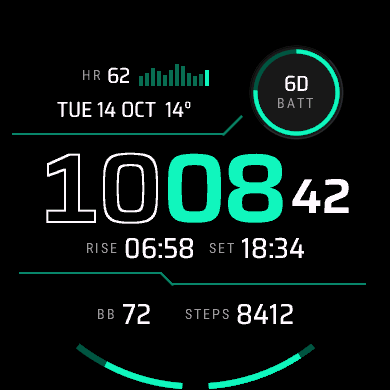
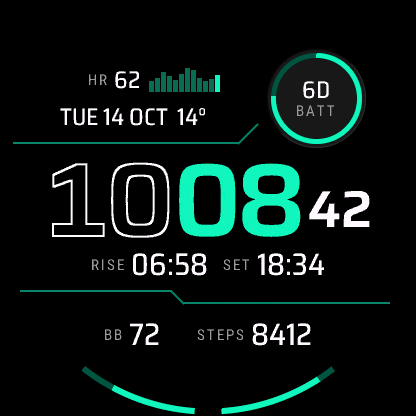
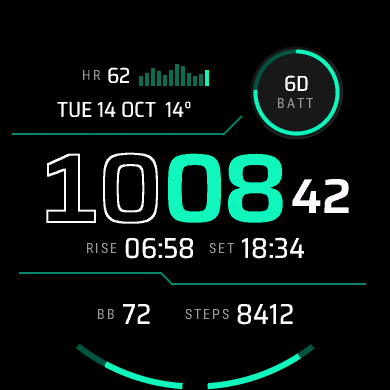
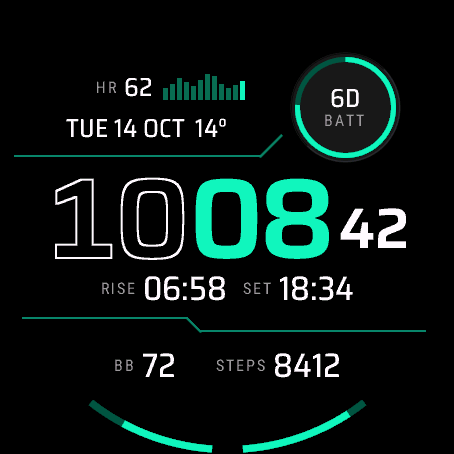
Your last four hours of heart rate as a bar chart, under a two-tone time.
Coming soon to the Connect IQ Store. Free.
Conduit is the technical one in the set. Your heart rate sits at the top next to a 12-bar chart of the past four hours, and angled divider lines split the face.
On the face
- Heart rate and a 12-bar chart of the last four hours
- Time with outlined hours, solid accent minutes and seconds in active mode
- Date with the temperature or feels-like
- Small ringed dial, battery days left to start with
- Sun line with sunrise and sunset
- Two arc gauges rising from 6 o'clock: Body Battery™ and steps to start with
What you can change
The heart-rate chart stays put. The dial, the date line, both sides of the sun line and both arcs can be changed from your phone, and the heart-rate value, date-line value and sun line can be hidden.
Also in the phone settings: 12 or 24 hour time or the watch's setting, a leading zero for 12 h, seconds on or off, the date style (TUE 14 OCT, 14 OCT TUE, TUE 10/14 or 2026-10-14), the always-on style (Rich, Minimal or Time only), units, the first day of the week and a second time zone. On a Venu 4, touch and hold a field to open the matching screen on the watch.
Settings are changed in the Connect IQ Store app or the Garmin Connect app on your phone. How settings, always-on mode and missing values work.
Watches
Venu® 4 45 mm, Venu® 4 41 mm, Instinct® 3 AMOLED 50 mm, Instinct® 3 AMOLED 45 mm. The D2™ Air X15 runs it too.
On each screen size